SimplerChat is our top pick for families who want help planning the week and sharing the work. You can ask its assistant to read a school notice, create an event and preparation task, find dinner ideas, update recipes and build a shared grocery list. Family conversations and the resulting plans live together.
Cozi and FamilyWall suit families who prefer a conventional household organizer. TimeTree is a strong calendar-focused option, Google Calendar with Keep works for appointments and simple lists, and AnyList focuses on groceries and meals.
Published by SimplerChat. Our recommendations are based on official documentation and SimplerChat's capabilities, checked September 28, 2026. We have not run a comparative hands-on test.
Best family organizer apps at a glance
| App | Best fit in this guide | Free plan and paid limits |
|---|---|---|
| SimplerChat | Planning together with an assistant | All features free; daily assistant message limit; no ads |
| Cozi | A household calendar with lists and recipes | Free with ads; Gold removes ads; Max adds AI tools |
| FamilyWall | Calendars, messaging and broader household tools | Free basics; meals, budgets and calendar connections require Premium |
| TimeTree | Shared schedules for different groups | Free with ads; Premium features billed per account |
| Google Calendar + Keep | A shared schedule and simple editable lists | Basic personal tools are free |
| AnyList | Groceries and a recipe collection | Free shared lists; Complete adds meal planning and web access |
Sources: Cozi plans, FamilyWall Premium, TimeTree Premium, Google family groups, AnyList Complete, SimplerChat terms.
SimplerChat: our pick for getting the planning done together
A good organizer needs to help with the steps between “we should do that” and someone actually doing it. SimplerChat gives your family an assistant in the conversation. Share a notice as a photo or PDF, check the extracted details, and ask for the event and a to-do. Another family member can claim the job with the context close at hand. Personal chats also give you a place for plans you want to keep to yourself. Service description
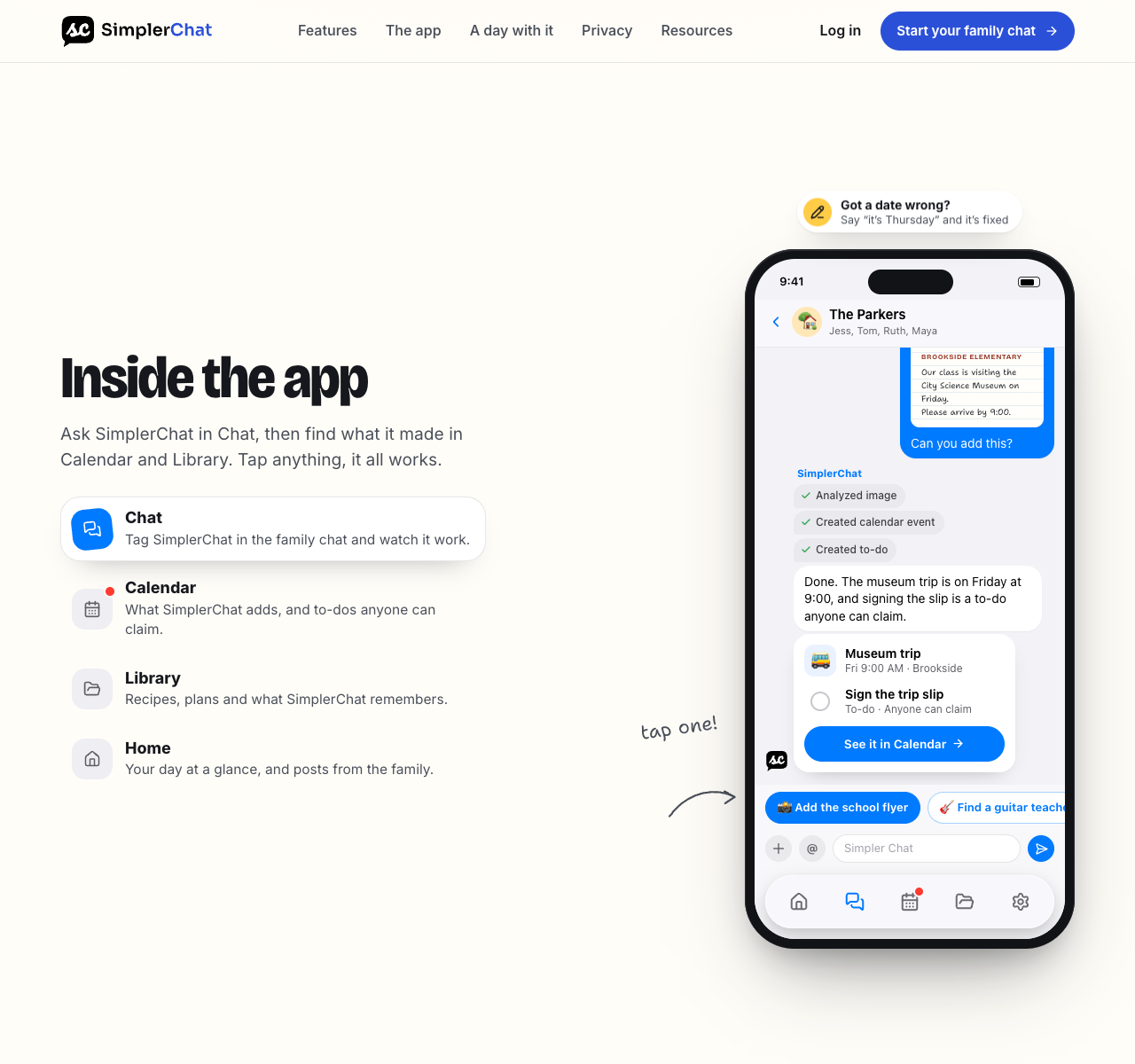
Dinner works the same way. Ask the assistant to find recipes, explore options and make adjustments to the dish you choose. Save the recipe, put it in the week's meal plan and turn the ingredients into a shared shopping list. You can update the saved recipe later, so the version your family actually cooks is ready for next time.
Every feature is available free. The free plan has a daily limit on assistant messages, with no feature paywalls. SimplerChat has no ads and never sells your data. That makes it a strong first choice when you want a full family planning setup without paying to unlock the meal planner or shared tools. Terms, privacy policy
Build your next week in SimplerChat. Start with an activity, a job someone can claim and two dinners. The useful test is whether another adult can pick up the plan and act on it. If sharing the work is your main goal, use our household workload checklist to choose those first tasks.
Accounts are available in the US and Canada excluding Quebec, for ages 13+ with guardian permission where required. Adults can manage younger children's schedules. Eligibility
Cozi: household lists beside the calendar
Cozi combines a family schedule, shopping and to-do lists, and a recipe library. The free plan includes ads. Gold removes them and adds a mobile month view and extra reminders. Max now includes tools for importing email events and generating recipes and meal plans. Cozi's feature and plan comparison
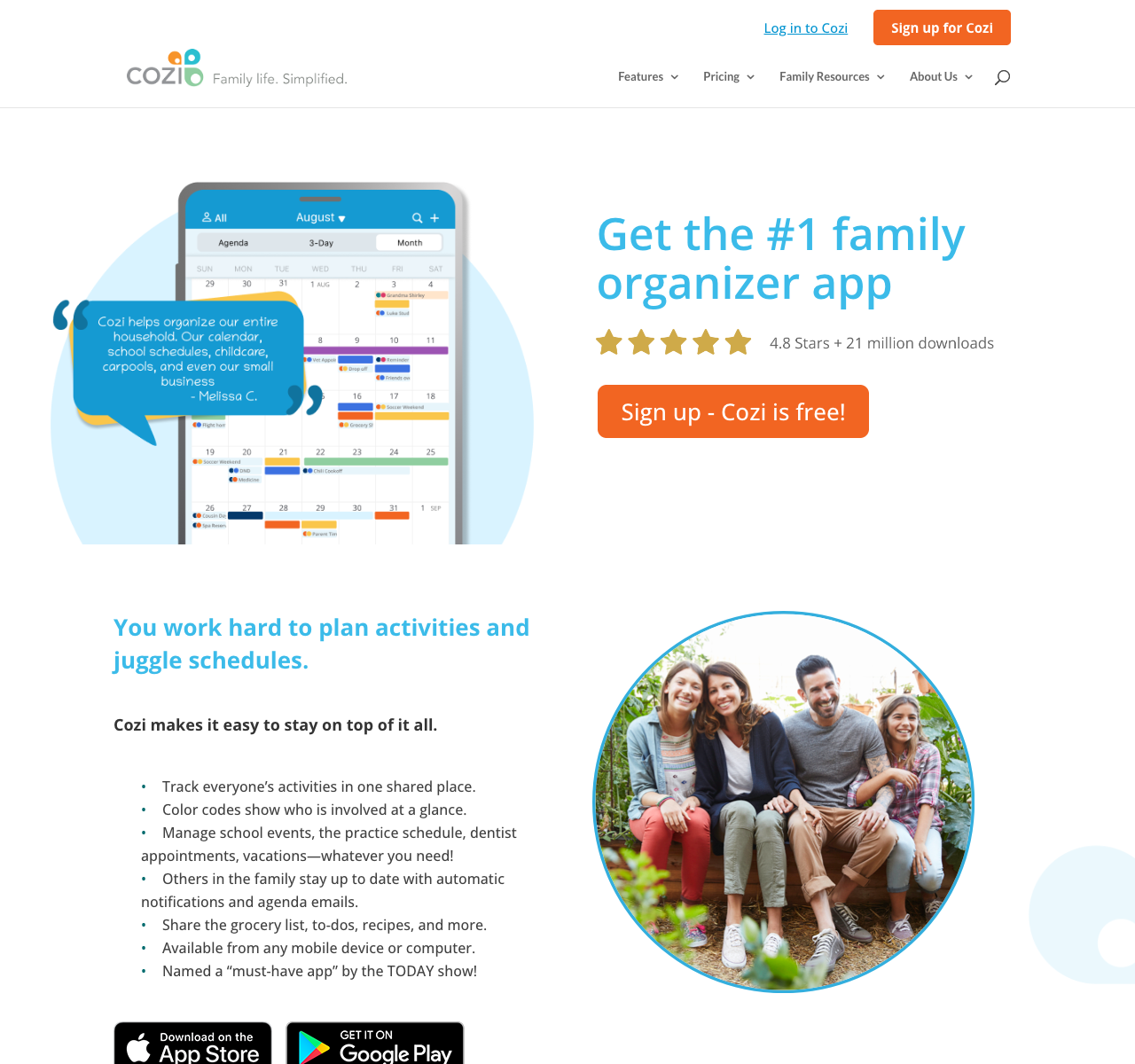
Gold is US$39 per year for the family. Max is shown at $79 on Cozi's plan page and $79.99 on its dedicated page; confirm checkout before upgrading. Cozi FAQ, Cozi Max
Read the free-plan limits before building a school-year schedule: Cozi's FAQ describes a 30-day event-entry window. Also review its account model. Family members have their own listed email addresses but share an account password, and included members can access and edit the account's data. Cozi FAQ
Try this: enter a school closure several months away, a repeating activity and the shopping list for a meal. Invite the second adult and check what each person can change.
FamilyWall: schedules, messaging and household tools
FamilyWall offers shared calendars, lists and family messaging, with iPhone, Android and desktop access. Its Premium features include meal planning, budget tracking, timetables and location sharing. FamilyWall overview, Premium details
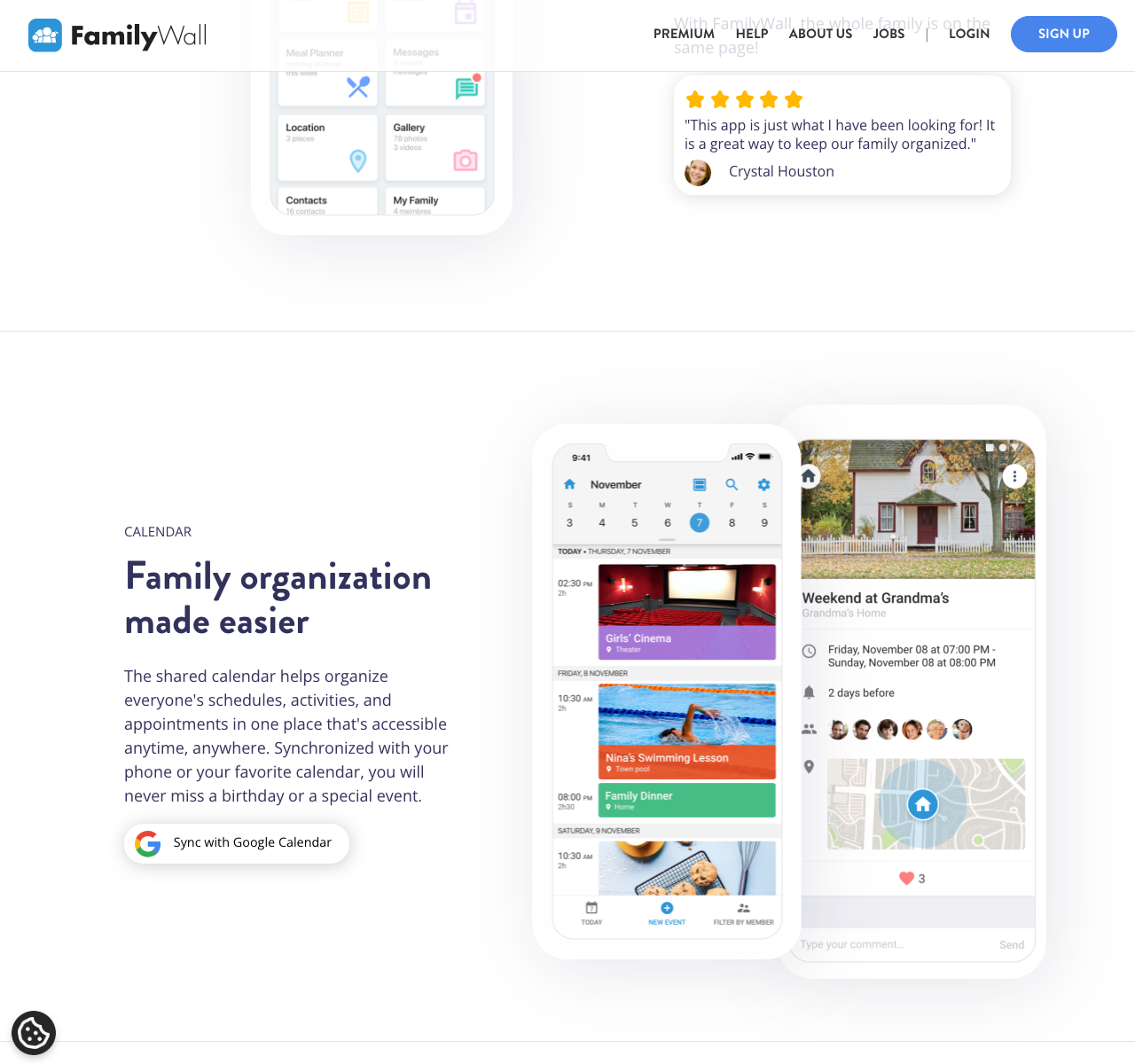
Choose it when budgets, timetables or location tools are part of the household setup you want. Premium is advertised at $4.99/month or $44.99/year; the page does not label the currency, so check your local store. Premium pricing
Google and Outlook calendar connections are listed as Premium benefits. Include those costs when comparing FamilyWall with a calendar you already share. Calendar connection plan details
For a detailed choice between these two organizers, read Cozi vs FamilyWall.
TimeTree: calendars for several groups
TimeTree centers its app on shared calendars. You can keep calendars for different groups and filter what you see. That can help separate the household's appointments from a carpool or grandparents' visits. TimeTree overview
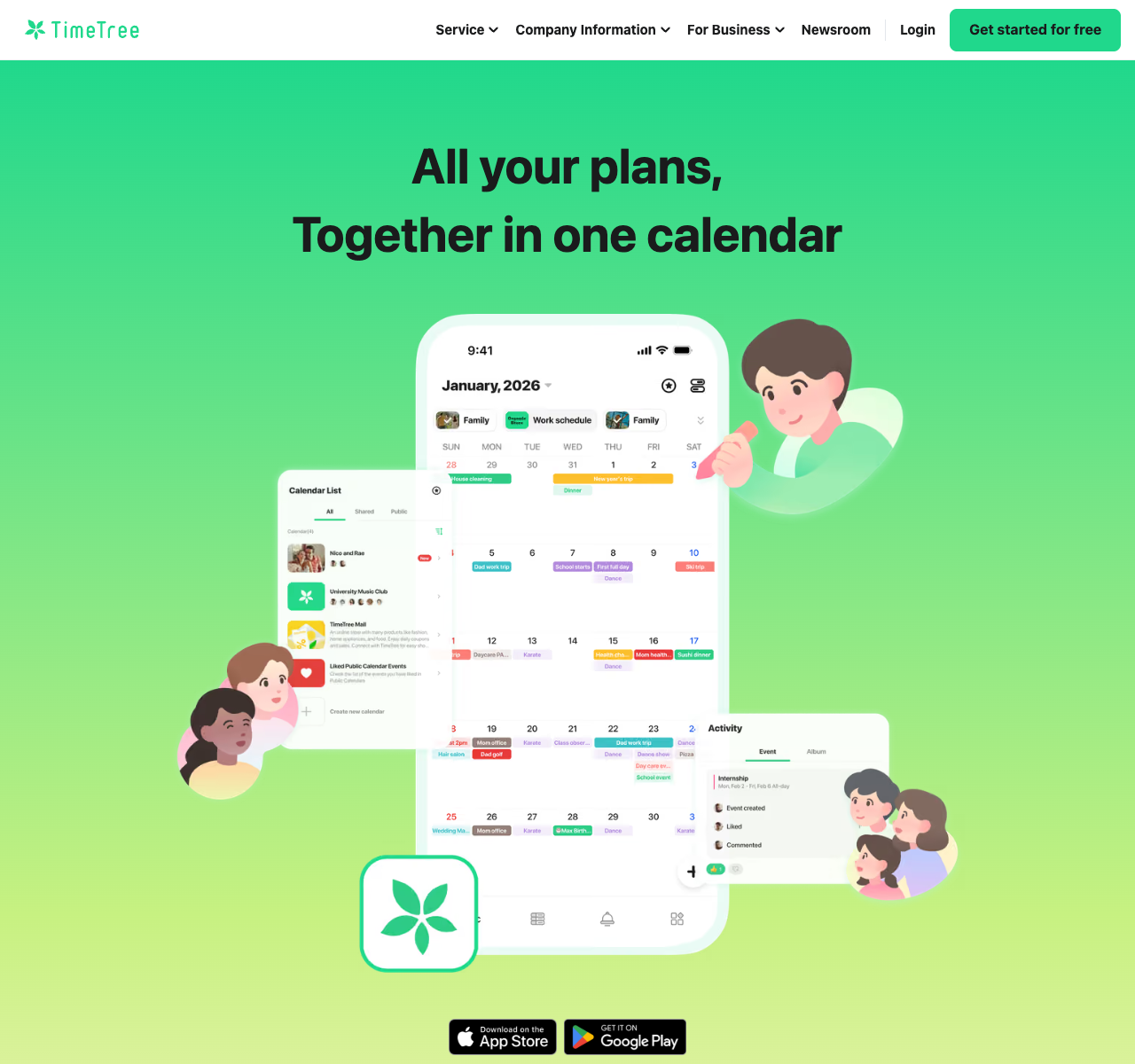
Its event notifications include controls for new events and comments, so test how much activity reaches each person. TimeTree notification help
The free calendar includes ads. Premium adds file attachments, priority sorting and a vertical view, among other benefits. Premium is listed at US$4.49/month or US$44.99/year, billed per account. Premium comparison, subscription rules
Try this: create one family event and one carpool event. Ask the other people involved to find each event, add a comment and notice a time change.
Google Calendar and Keep: a schedule and shared notes
Google's Family calendar is created with a Google family group, and family members can change its events. Keep lets you invite collaborators to edit a note or list. Google family calendar, Keep collaborators
This pairing is worth trying before adopting another organizer, particularly if the adults already check Google Calendar each day. Give the shared calendar a clear purpose, such as appointments and commitments that affect another person. Put the current shopping list in a shared note with an obvious title.
For setup across different phones, follow our shared family calendar guide for iPhone and Android.
Try this: ask the other adult to add an appointment to the shared calendar and a grocery item to the shared note without your help. Then check that the event was saved to the intended calendar.
AnyList: groceries, recipes and meal planning
AnyList's free mobile app supports creating and sharing lists on iOS and Android. Complete adds unlimited website recipe imports, a meal-planning calendar and web/desktop access, for US$9.99/year individually or US$14.99/year for a household. AnyList's getting-started guide
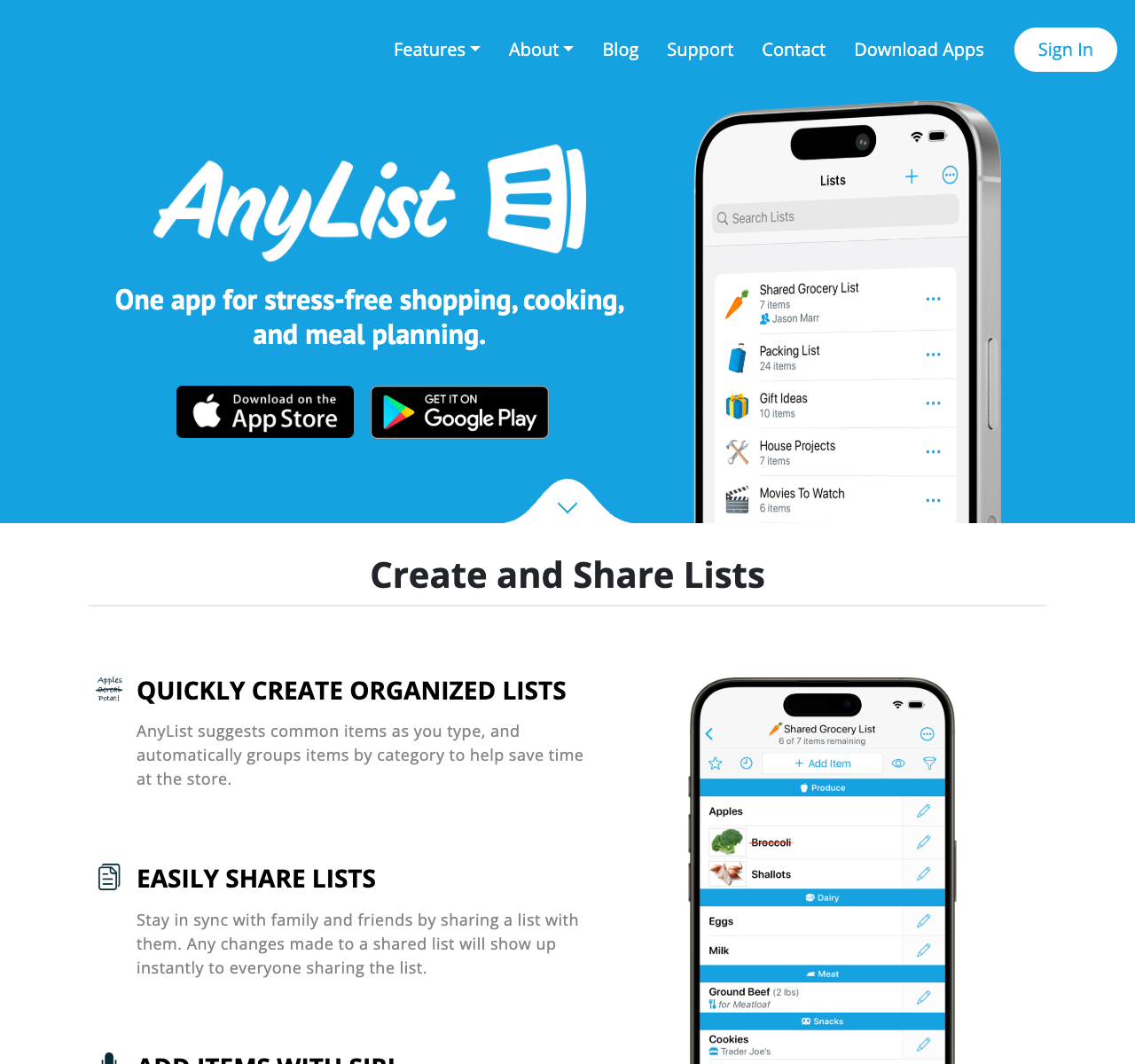
The meal planner can turn ingredients from planned recipes into a shopping list. Complete also supports entered item prices and store filters. These are useful details to evaluate if two adults shop or your groceries come from several stores. AnyList Complete features
Keep a separate place for appointments and school dates. AnyList's strength in this comparison is the path from deciding dinner to collecting ingredients.
Try this: plan two dinners, add their ingredients, check the cupboard and remove what you already have. Have another person shop from the resulting list. Include an item that needs a specific size or brand.
How to choose a family organizer your household will use
Start with the recurring problem. If one adult is always translating messages into appointments and tasks, try SimplerChat. If you mainly need everyone to see a schedule, start with TimeTree or Google Calendar. If groceries and cooking dominate, compare AnyList with SimplerChat's recipe and planning help.
Give your first choice an ordinary week. Ask the second adult to find tomorrow's plans, claim a task, change an appointment and shop from the shared list. Include one meal you need to revise at the last minute. Those small handovers show whether the app fits the way your family works.
Keep your existing schedule available until everyone can find and update the new one. If you are replacing a specific app, use our Cozi switching guide, FamilyWall alternatives or AnyList alternatives to check what needs carrying over.
Set up your first week in SimplerChat. Add an activity, a preparation task and a dinner plan, then invite another adult to use them with you.