SimplerChat is our leading AnyList alternative when “What should we cook?” takes as much effort as shopping. Ask it to find recipes, explore ideas with your family, adjust a dish and build a shared grocery list from the meals you choose. Recipes and plans stay editable as the week changes. All features are free, with a daily assistant message limit, no ads and no sale of your data. Terms, privacy policy
For a dedicated grocery app, try Bring! for visual shared lists, OurGroceries for straightforward lists and text imports, or Listonic for an estimated basket total. Paprika suits a recipe collection you want to organize alongside meal plans and pantry items.
Published by SimplerChat. Official documentation and SimplerChat's capabilities were checked September 28, 2026. We have not conducted comparative hands-on testing or verified a direct account transfer between these apps.
The best AnyList alternative depends on what you want to improve
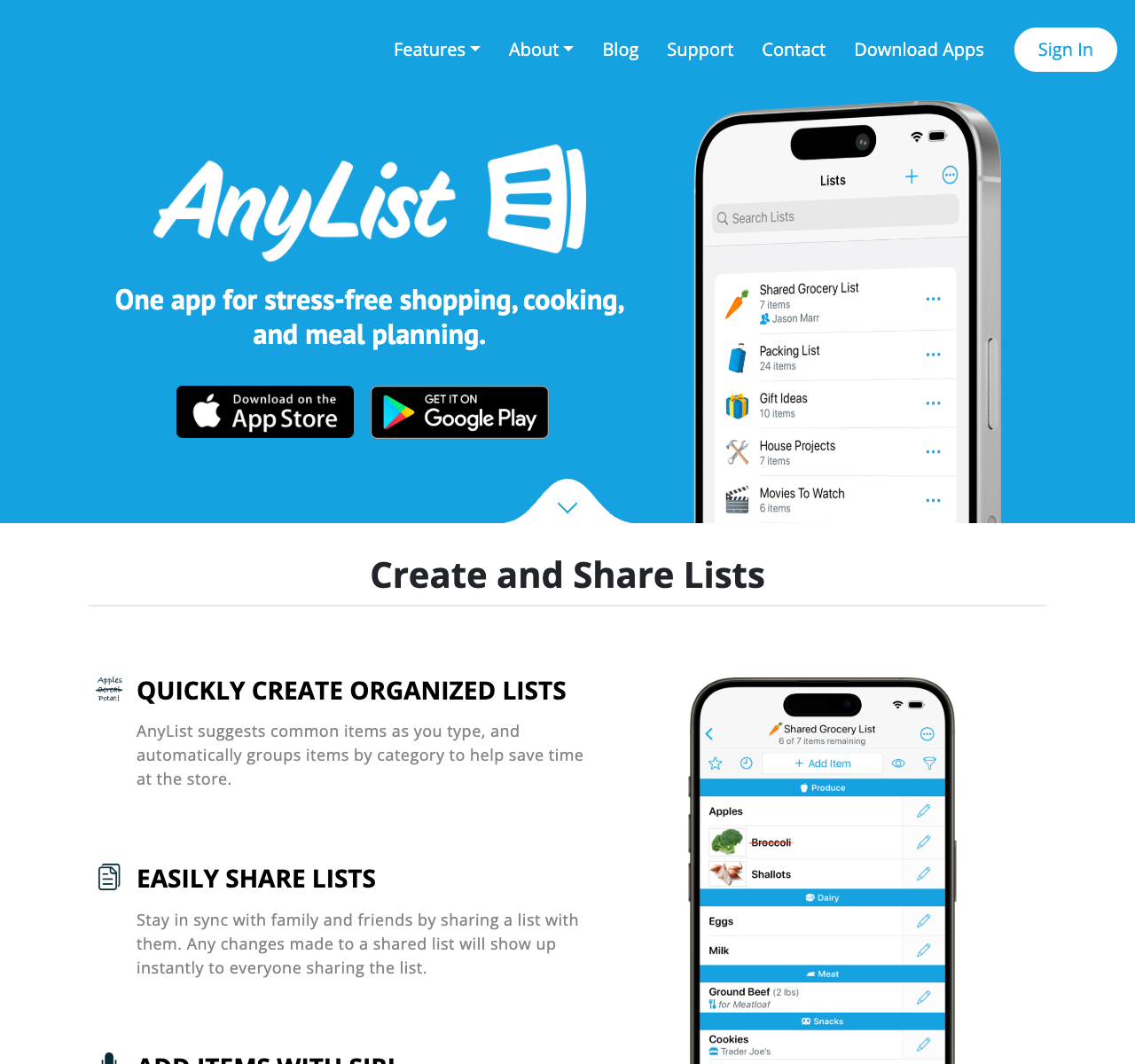
AnyList already offers free shared lists. Complete adds unlimited website recipe imports, a meal calendar, web/desktop access, store filters and entered item prices, at US$14.99 a year for a household. Switching makes sense when another app improves a job you repeat: finding dinner ideas, making the list easier to use or estimating the shopping total. AnyList guide, Complete features
| Alternative | Main reason to switch | Free plan and paid limits |
|---|---|---|
| SimplerChat | Find, adapt and plan recipes together in family chat | All features free; daily assistant message limit; no ads |
| Bring! | Share visual lists with item photos and recipe ideas | Free shared lists; retail offers and advertising |
| OurGroceries | Keep simple lists and paste in existing items | Free with ads; paid household ad removal |
| Listonic | Enter prices and estimate the basket total | Core features free with ads; Premium removes ads |
| Paprika | Organize recipes, meals, groceries and pantry items | Each platform version sold separately |
Sources: Bring! advertising, OurGroceries guide, Listonic Premium, Paprika purchases, SimplerChat terms.
SimplerChat: find dinner ideas and turn them into a shopping list
SimplerChat helps with the decisions that come before the grocery list. Ask for recipes using ingredients you have, explore a few options, and discuss changes in your family chat. The assistant can search the web, read recipe sources and save the chosen recipe with its ingredients, instructions and source link. You can ask it to update that recipe when you want a different ingredient or a change to the method.
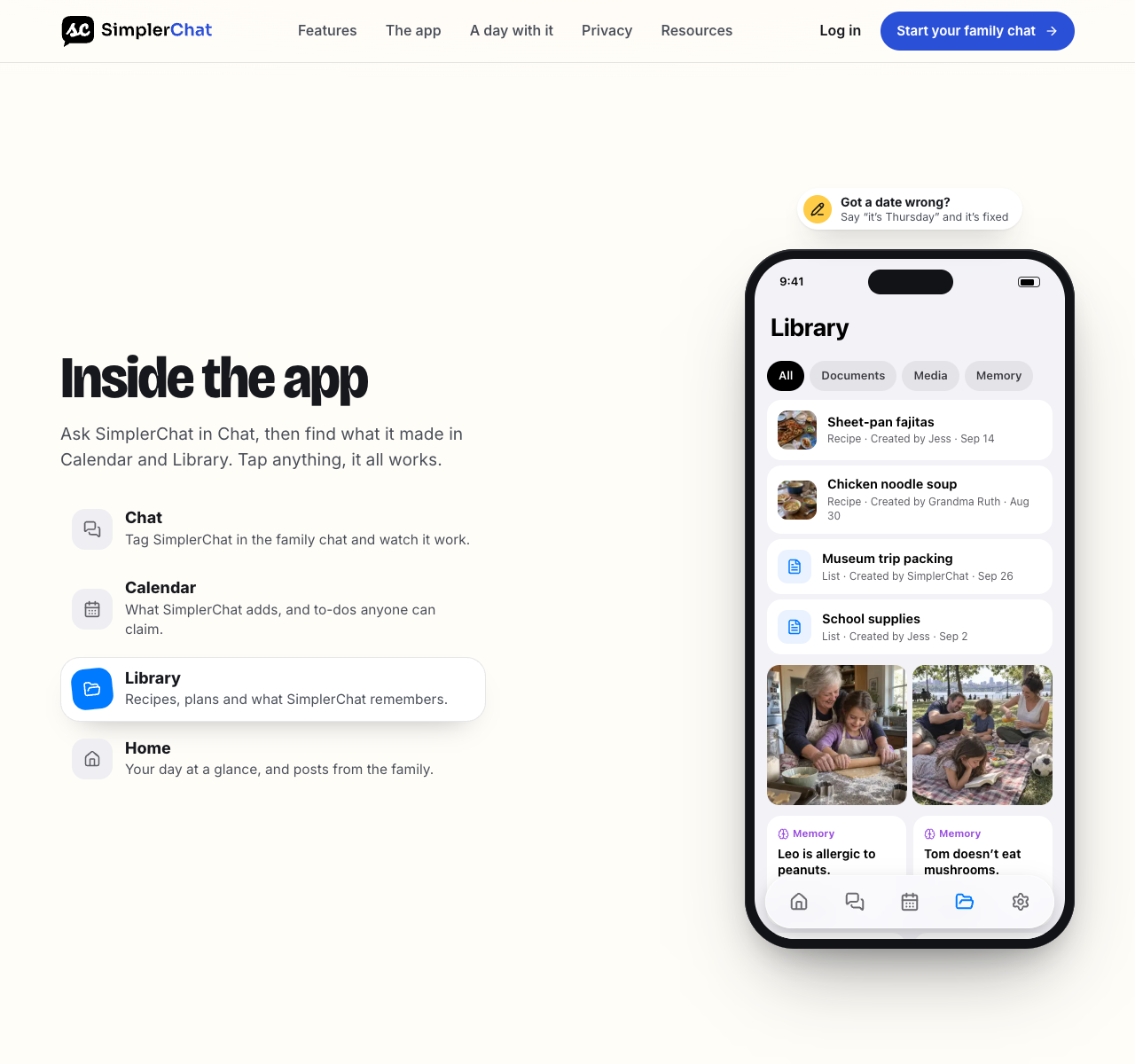
From there, put meals in a dated plan and ask for their ingredients on a shared checklist. SimplerChat can scale ingredient quantities for the servings you request and combine matching ingredients with compatible units. Family members can check off purchases, and the saved recipe remains available when someone else cooks. Service description
For example, start with: “Find three quick chickpea dinners for four people.” Explore the results, choose a recipe, and ask: “Save this for Thursday and add its ingredients to our shopping list.” After cooking, tell the assistant what you changed and ask it to update the saved version. Check ingredients and quantities before shopping.
Choose SimplerChat when you want help deciding and adapting meals as well as keeping the list. Its family calendar and claimable to-dos also let you handle the rest of a busy evening alongside dinner. For broader household options, see our best family organizer apps.
Find your next family dinner in SimplerChat. Every feature is free, including recipes and meal plans; assistant messages have a daily limit. Accounts are available in the US and Canada excluding Quebec for ages 13+, with guardian permission where required. Terms No direct AnyList account transfer has been verified. For aisle sorting or a shopping total, compare the dedicated grocery apps below; those features have not been verified in SimplerChat.
Bring! for a fast shared shopping routine
Bring! offers free shared shopping lists on iPhone and Android. Members can add items, and its list features include quantities, notes and personal photos. It also lets you save recipes from the web or another app through a share action and add their ingredients to a list. This can work well when one person sends a recipe and another does the shopping. Bring! overview, recipe features, list help
Bring! includes retail offers and advertising alongside shopping and recipe ideas. If avoiding promotions is a reason for leaving your current setup, factor that into your choice. Bring! advertising formats Its help page says you can type a price in an item's description, but the app does not calculate a total from those prices. Anyone using AnyList Complete's running total should test that loss before moving. Bring! list help
OurGroceries for lists you can bring over as text
OurGroceries keeps a household's lists in sync across phones and its website. The free app has ads; an optional upgrade removes them for everyone sharing the account. Its recipes are practical ingredient lists with a notes field for directions or a source link. You can add a whole recipe's ingredients to a shopping list, but a large, detailed AnyList cookbook will take some rebuilding. OurGroceries user guide, FAQ
Its clearest transfer advantage is on the web: Import items accepts one item per line or a CSV with columns such as item, category and note. You still need to prepare that file from the information you have in AnyList. OurGroceries does not claim to read an AnyList account or recipe file directly. Its own export downloads lists and recipes in a ZIP containing spreadsheet and JSON data, which is useful to know before adopting it as your next long-term home. OurGroceries import and export instructions
OurGroceries says it does not currently track item prices. If your shopping routine depends on a basket estimate, Listonic is a closer trial. OurGroceries FAQ
Listonic for an estimated shopping total
Listonic's site lists free unlimited shopping lists and shared editing across devices. You can enter quantities, notes, photos and prices. Its total-cost feature remembers prices you entered and adds up the list, which gives shoppers a rough plan before checkout. Listonic also sorts items by aisle or category. These are useful reasons to try it if AnyList's paid price field is the feature you want to replace. Listonic overview, item details, total-cost feature
The total depends on the prices you enter, so use your own current store prices when you compare it with a receipt. Listonic offers a Premium subscription for ad removal and appearance options; its help center says the app's functional features remain available free. Its recipe suggestions may help plan a meal, but this comparison treats Listonic as a shopping-list candidate. Verify how you would keep your existing recipes before committing to it. Listonic Premium help, Listonic overview
Paprika for a recipe collection you want to manage
Paprika saves recipes from websites, groups them into categories, plans meals, tracks pantry items and builds grocery lists from recipes. It also documents a bulk recipe export to HTML or its own recipe format. That makes it appealing when the recipe library is the part of AnyList you value most. Paprika overview, Paprika user guide
Paprika sells its iOS, Android, macOS and Windows versions separately. It enables Apple Family Sharing for iOS and macOS purchases; its support page says Android in-app purchases do not support that sharing. Cloud sync is included with purchased versions and uses one Paprika account for devices sharing a recipe collection. Check the platforms your household needs before buying. Its listed import formats do not establish a direct import from AnyList, so test a few recipes first. Website recipes may be recoverable from their original pages; recipes you wrote inside AnyList need a careful text transfer. Paprika purchase and sync help, Family Sharing help, Paprika import formats
Move one dinner before moving your whole account
Use this sample trial, then substitute one dinner your household actually makes. Suppose Friday's plan is bean tacos. The AnyList record includes a saved recipe, a list with “2 cans black beans” and “1 lime,” and a note specifying the tortilla size. Preserve those quantities, the recipe directions and the tortilla note in the new setup.
- In AnyList, send the current shopping list by email or text. Send the taco recipe separately as text, and save its original website link if it has one. AnyList documents these per-list and per-recipe sharing actions. AnyList list guide, recipe sharing help
- Recreate that small list in your candidate. For OurGroceries, paste one item per line into its web Import items screen. For another app, add the items using its documented list controls. Restore the tortilla note, quantities and category by hand where needed. OurGroceries import instructions
- Recreate the recipe from its original web page where the candidate supports web recipes. For a recipe written in AnyList, use the text you sent yourself and compare ingredients and directions line by line. A file attached to an AnyList recipe email is described as opening in AnyList; we found no documented cross-app import for that attachment. AnyList recipe sharing help
- Invite the second shopper. Add a last-minute item after they leave, cross off one item on their phone, and check that both views agree. If you rely on prices, store assignments or a weekly meal plan, include those in the trial as separate checks.
Keep the original recipe and list accessible until you have cooked from the new copy and completed a shopping trip. A saved website link, a personal recipe, list categories and purchase history can each require a different transfer step.
Try SimplerChat for your next dinner. Find a recipe your family wants to cook, make it your own, and build the shopping list together.