Choose Cozi for one shared household calendar with shopping lists and recipes. Choose FamilyWall for separate private circles, family messaging and paid tools such as budgets, timetables and location features. Both offer free basics, with advanced planning features on paid plans. Cozi plans, FamilyWall Premium
Our leading recommendation for families who want help doing the planning is SimplerChat. Its assistant can turn a notice into an event and a task someone can claim, find and update recipes, and build a shared shopping list. All features are free, with a daily assistant message limit. There are no ads or sales of your data. Terms, privacy policy
Published by SimplerChat. We checked official documentation and SimplerChat's capabilities on September 28, 2026. This is an editorial comparison, without side-by-side account, notification or migration testing.
Why consider SimplerChat alongside Cozi and FamilyWall?
The reason is the work left after an appointment reaches the calendar. A club notice can also mean buying supplies, returning a form and finding someone to pack the equipment. In SimplerChat, you can discuss the notice in your family chat and ask the assistant to create the event and preparation tasks. Someone can claim each task with the original discussion available nearby. Service description
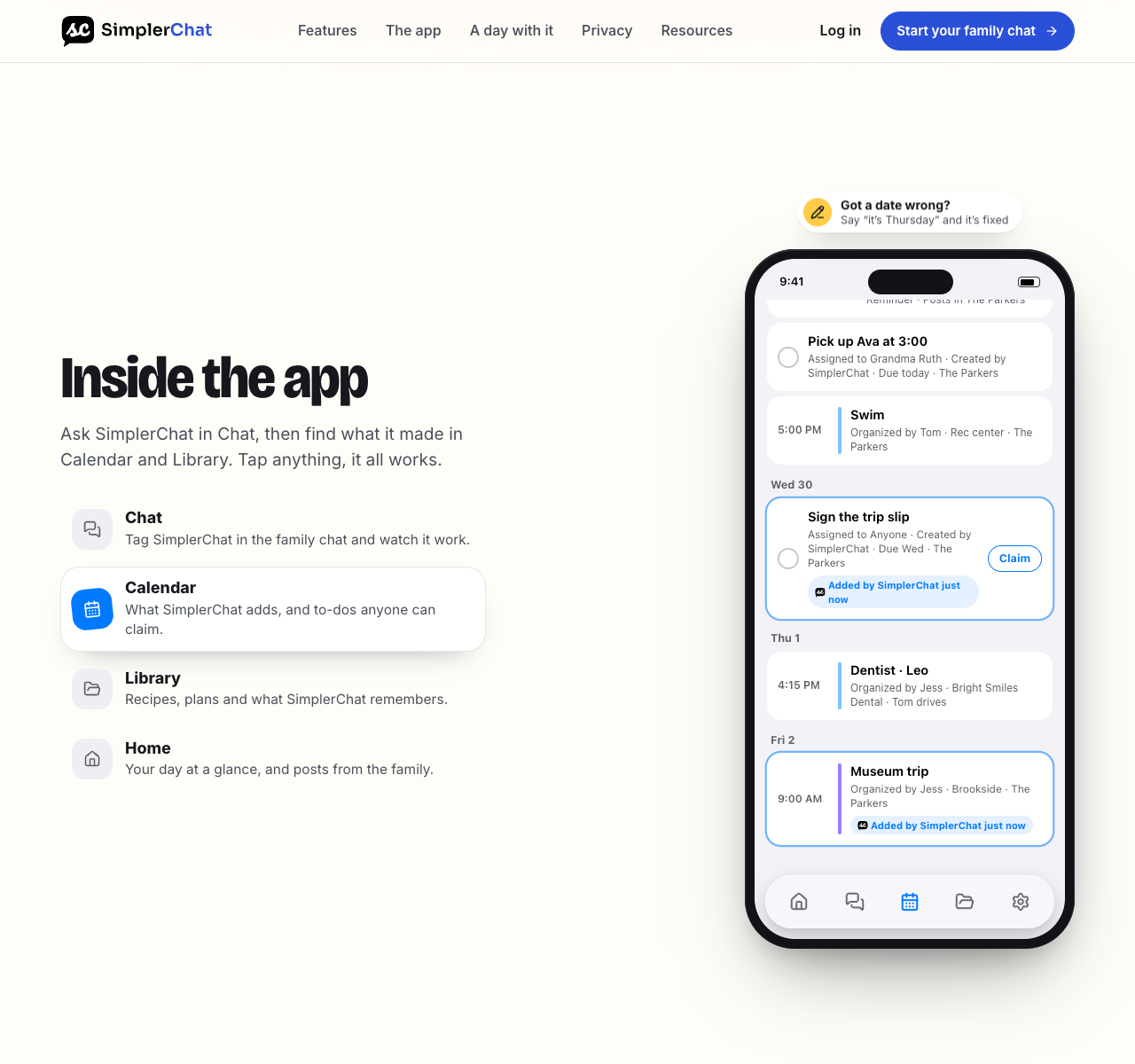
Meal planning also starts in the conversation. Ask for dinner ideas, explore recipes from the web, request adjustments and save the one you choose. Put it in a dated plan and add the ingredients to your shared list. Ask the assistant to update the saved recipe when your family finds a version it likes better.
Cozi Max and FamilyWall Premium also offer event extraction, as the comparison below explains. SimplerChat combines assistance with the ongoing family discussion and includes its calendar, tasks, recipes and plans without a feature upgrade.
Try SimplerChat with one busy school day: turn the notice into an event, have someone claim the preparation task, and choose dinner together. Check extracted dates against the source. Availability is the US and Canada excluding Quebec, for users aged 13+ with guardian permission where required. Eligibility No direct Cozi or FamilyWall account transfer has been verified.
Cozi and FamilyWall at a glance
| Decision point | Cozi | FamilyWall |
|---|---|---|
| Free-plan limits | Ads; event entry for the next 30 days. Gold removes ads and the entry limit. FAQ, plans | Meal planning, budgets and calendar connections require Premium. Premium |
| Household access | One account with the same broad access for included members. FAQ | Separate private circles with chosen members. Circle help |
| Outside calendars | Read-only iCal feeds in and out. Calendar guide | Premium Google, Outlook and calendar URL connections. Premium help |
| Meals and shopping | Free shopping lists, recipes and manual meal planning; Gold and Max expand the tools. Cozi plans, meal guide | Free shopping lists; meal planning is Premium. Overview, Premium help |
| Email to calendar | Max has AI Event Import. Cozi Max | Premium imports forwarded event emails and supported attachments. Magic Import |
The access model changes the choice
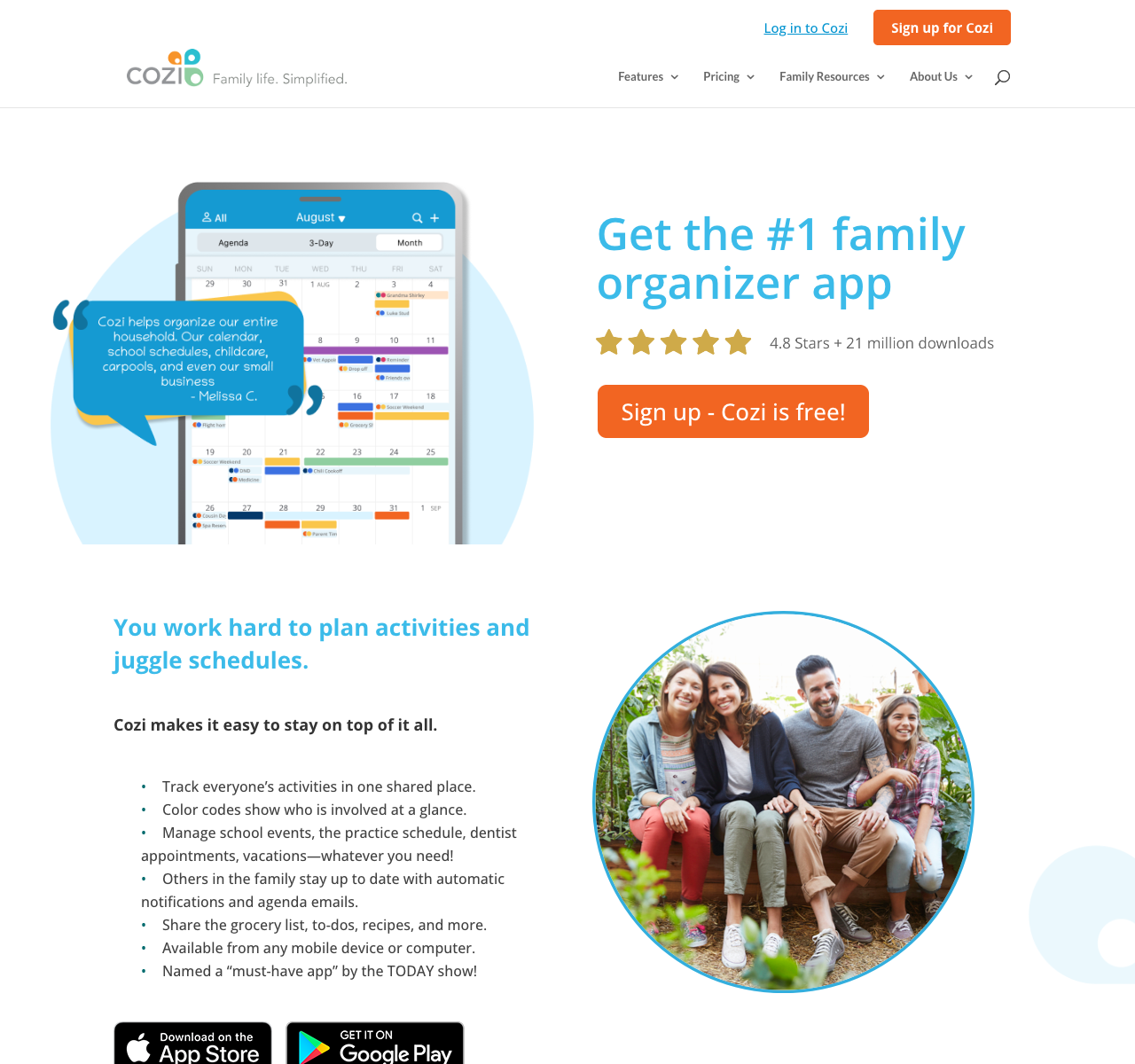
Cozi gives every person added to the account the same broad access. Members sign in with their own included email addresses and a shared account password. Its FAQ says there is no restricted-access role for someone who should see pickup times but stay out of the rest of the account. This suits a household whose members share the full organizer. Consider that broad access before inviting a caregiver. Cozi account FAQ
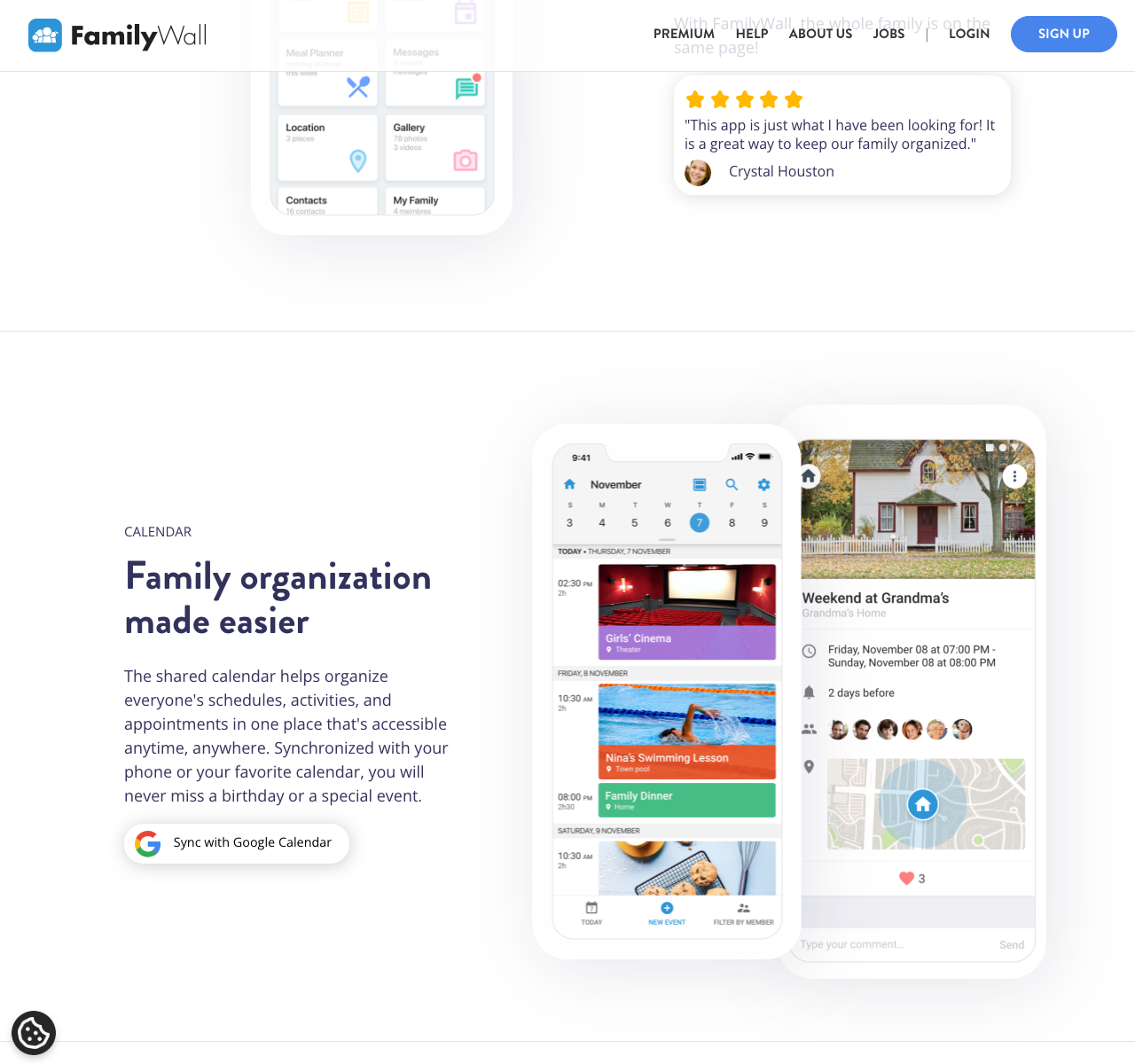
FamilyWall organizes people into private circles. A circle for the household can have different members from a circle for a carpool or extended family. Content belongs to its circle, so a person in one circle does not automatically see another circle's material. This is useful if you coordinate with people outside the home, though you still need to decide where each event belongs. FamilyWall circle help
There is a second visibility setting to check. When a FamilyWall Premium user adds a Google or Outlook calendar, FamilyWall says it is not shared with other circle members by default. Open that additional calendar's settings and select the members who should see it. A parent seeing a school calendar on their own phone does not prove another family member can see it. FamilyWall calendar sharing help
Calendars and reminders need a closer look
Cozi's calendar is color-coded by person, and it supports reminders and daily or weekly agenda emails. The free plan lets you enter events for the next 30 days; Gold removes that future-entry limit, adds calendar search and offers up to three reminders per attendee per appointment. Cozi can display subscribed events from another calendar and publish Cozi events to one, but its integration guide calls both feeds read-only. Editing a subscribed school event inside Cozi is therefore outside that feed's purpose. Cozi FAQ, plan comparison, calendar integration guide
FamilyWall Premium documents Google and Outlook calendar connections and subscriptions to public or shared calendar URLs. The connection help explains how to select an outside calendar and share it with circle members. It does not establish that every change can be edited from both apps, so test the exact direction you care about before relying on it. FamilyWall can also generate an iCal URL that displays its own events in Google Calendar. That is a viewing feed, with edits made in FamilyWall. FamilyWall Premium help, Google connection help, outbound calendar guide
Both companies now document a paid way to turn email details into calendar events. Cozi calls its Max feature AI Event Import. FamilyWall's Premium Magic Import gives a circle a unique email address: an identified member forwards a message there, and FamilyWall creates events from the email or supported attachments. For either product, check the resulting date, time and location against the original notice before other people make plans around it. Cozi Max, FamilyWall Magic Import
Lists, meals and the rest of the household
Cozi's shopping lists sync within the family account. Its Recipe Box can hold a recipe from a website or one entered manually; ingredients can go onto a shopping list, and meals can appear on the family calendar. That gives Cozi's free plan a useful meal-and-shopping routine. Gold's Shopping Mode changes how checked and newly added items appear during a trip. Max adds generated recipes and AI meal planning. Cozi shopping and meal FAQ, Cozi plans
FamilyWall's free offering includes shopping and to-do lists plus family messaging. Premium expands the scope with meal planning, budget tracking, shared documents, timetables and enhanced location features. If a budget or a location alert is essential to your decision, compare that specific Premium workflow, permissions and device setup with your household's needs. FamilyWall overview, Premium help
What the paid plans cost
Cozi's FAQ identifies Gold as US$39 per year for the family. Cozi's plan page shows Max at $79 per year, while its Max page shows $79.99 per year. FamilyWall's Premium page displays $4.99 per month or $44.99 billed annually, without a visible currency label on that page. Check the amount and billing terms shown in your own checkout before subscribing. Cozi FAQ, Cozi plans, Cozi Max page, FamilyWall Premium prices
If you are moving from Cozi to FamilyWall
FamilyWall has specific instructions for importing a Cozi calendar. In Cozi, copy the family or individual calendar URL from Shared Cozi Calendars. In FamilyWall, use Import events from ICS, choose Via URL, preview the events and add them. The result is a snapshot in FamilyWall. Later changes in Cozi will not update that imported copy.
The limit is easy to miss: FamilyWall says its free import takes only the first 30 events when the source has more. Premium can instead subscribe to the ongoing Cozi feed, but those subscribed events are read-only in FamilyWall. Count and spot-check the events you need before deciding whether to import, subscribe or enter a smaller future schedule afresh. Keep one place where your family makes edits during the changeover to avoid conflicting copies. FamilyWall Cozi import guide
That calendar procedure does not move Cozi shopping lists, saved recipes, to-dos or reminder settings. Review those separately. Cozi can send or print shopping lists, and you can open each important recipe to preserve its source and instructions. A small trial with your real information will show how much manual work remains. Cozi FAQ
Which should your family choose?
Choose SimplerChat if the problem is doing the planning: turning notices into jobs, deciding dinner, adapting recipes and making the resulting lists. The assistant works in your family chat, every feature is free, and you have an ad-free space for the conversation.
Choose Cozi if everyone should share the same organizer and its calendar, recipes and lists fit your routine. Budget for Gold if you need to plan beyond the free calendar's 30-day window or remove ads, and Max if you want its AI tools.
Choose FamilyWall if separate circles or tools such as budgets and location sharing are essential. Check the Premium features you need and how connected calendars are shared with the other members.
For a wider shortlist, see our Cozi alternatives and FamilyWall alternatives. Whichever you try, check an event, a task and a dinner plan with another adult before moving the household's existing records.
For a trial built around your family's conversations, open SimplerChat and turn one notice into an event and a task someone can claim.